
Transform Your
Product Pages
Create accessible, compliant rich-media modules for Walmart. Self-service tools for feature sets, comparisons, FAQs, and more.
Everything you need to succeed
Lower costs, consistent quality, and direct control over your Walmart rich media
Fast & Easy
Create professional rich-media modules in minutes with our drag-and-drop builder. No coding required.
100% Compliant
Built-in accessibility checks ensure WCAG 2.1 AA compliance and Walmart feed API compatibility.
Direct Submission
Generate Item Spec 5.0 compatible feeds and submit directly to Walmart.
Data-Driven Content
Auto-populate modules with product data from Bright Data. Edit and customize as needed.
Live Preview
See exactly how your modules will look on Walmart product pages.
Multi-Product Management
Manage rich media for hundreds or thousands of SKUs from one centralized, intuitive dashboard.
Walmart Rich-Media Modules You Didn't Know You Needed
Professional rich-media modules designed for engagement, accessibility, and conversion
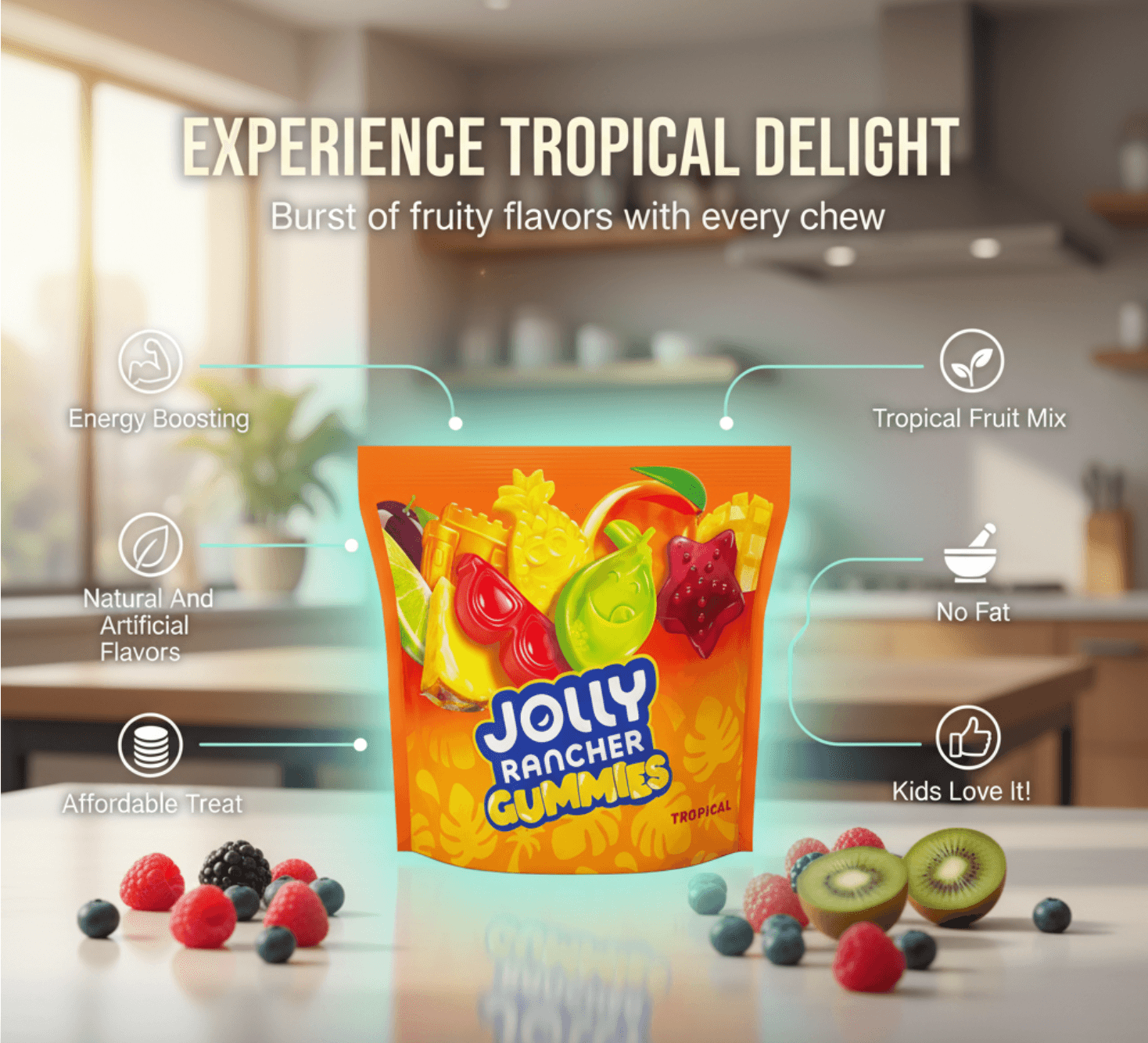
Feature Set
Showcase your product features with a flexible, responsive grid layout. Our drag-and-drop builder lets you position images and callouts exactly where you want them, with AI-powered image generation to bring your content to life.
- Freeform Grid LayoutPosition items anywhere with pixel-perfect control
- AI-Powered ImagesGenerate professional product images from text descriptions
- Per-Item StylingCustomize colors, typography, and layouts for each feature
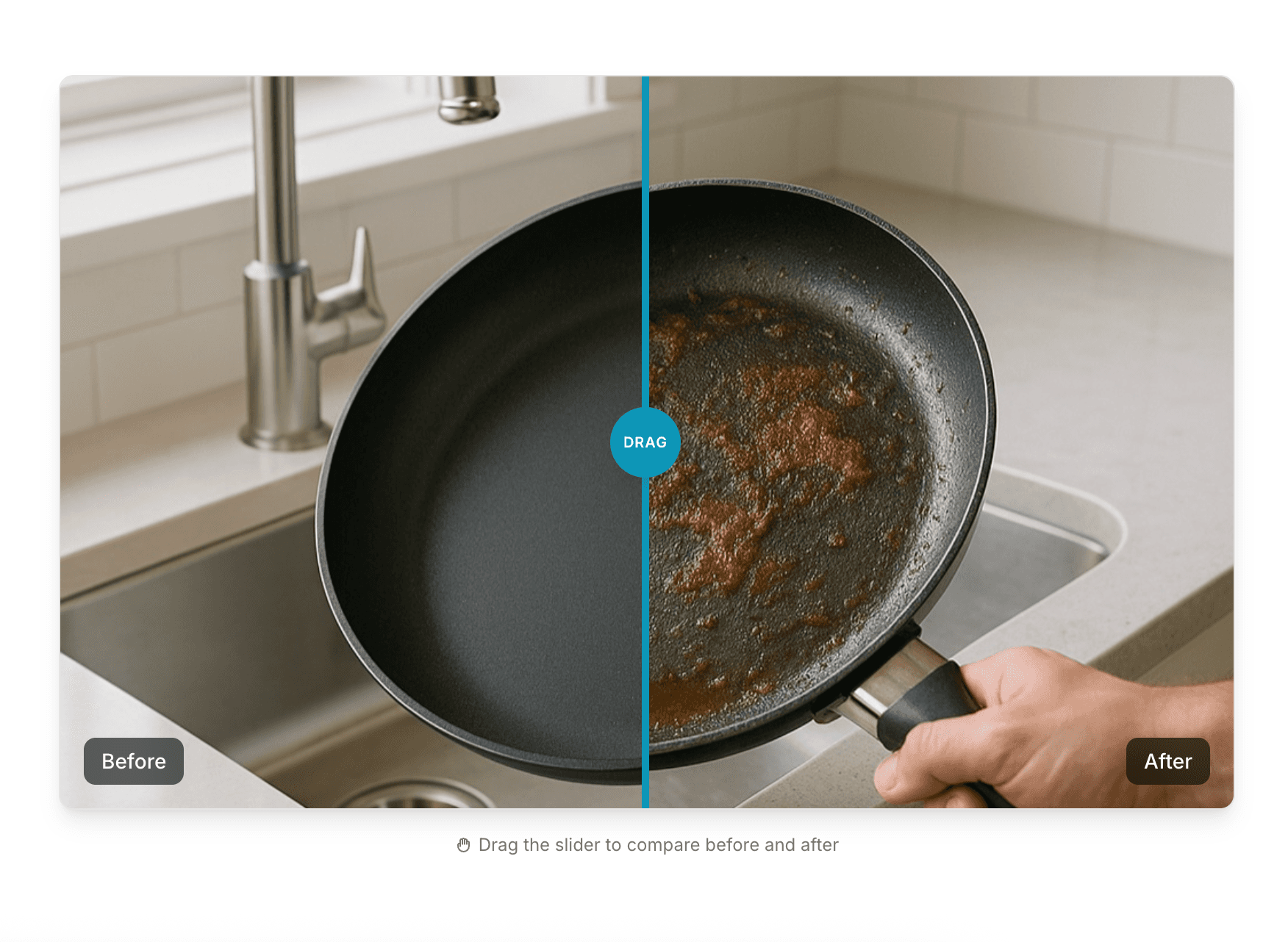
Before/After
Show dramatic product transformations with our interactive image comparison slider. Perfect for demonstrating results, upgrades, or the difference your product makes.
- Horizontal & Vertical ModesChoose the orientation that best showcases your comparison
- Fully AccessibleTouch, mouse, and keyboard controls for all users
- Custom StylingAdjust handle design, colors, and animation speed
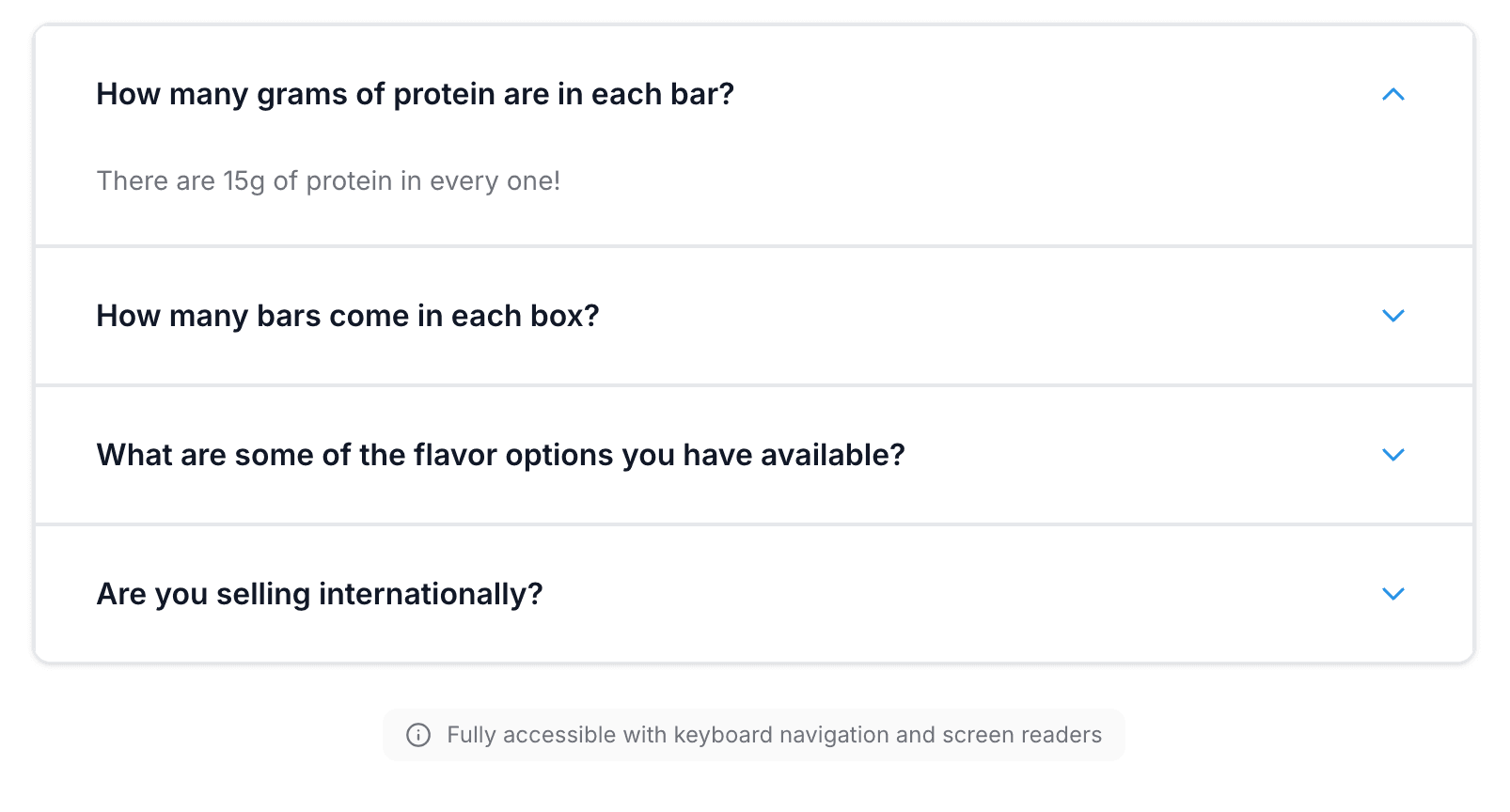
FAQ
Answer customer questions before they ask. Our FAQ accordion features a rich text editor that supports formatting, images, and multiple expansion modes to fit your brand.
- Rich Text EditorAdd formatting, lists, images, and links to answers
- Multiple Expand ModesSingle, multiple, or all-open accordion configurations
- Extensive CustomizationControl colors, spacing, borders, and animation timing
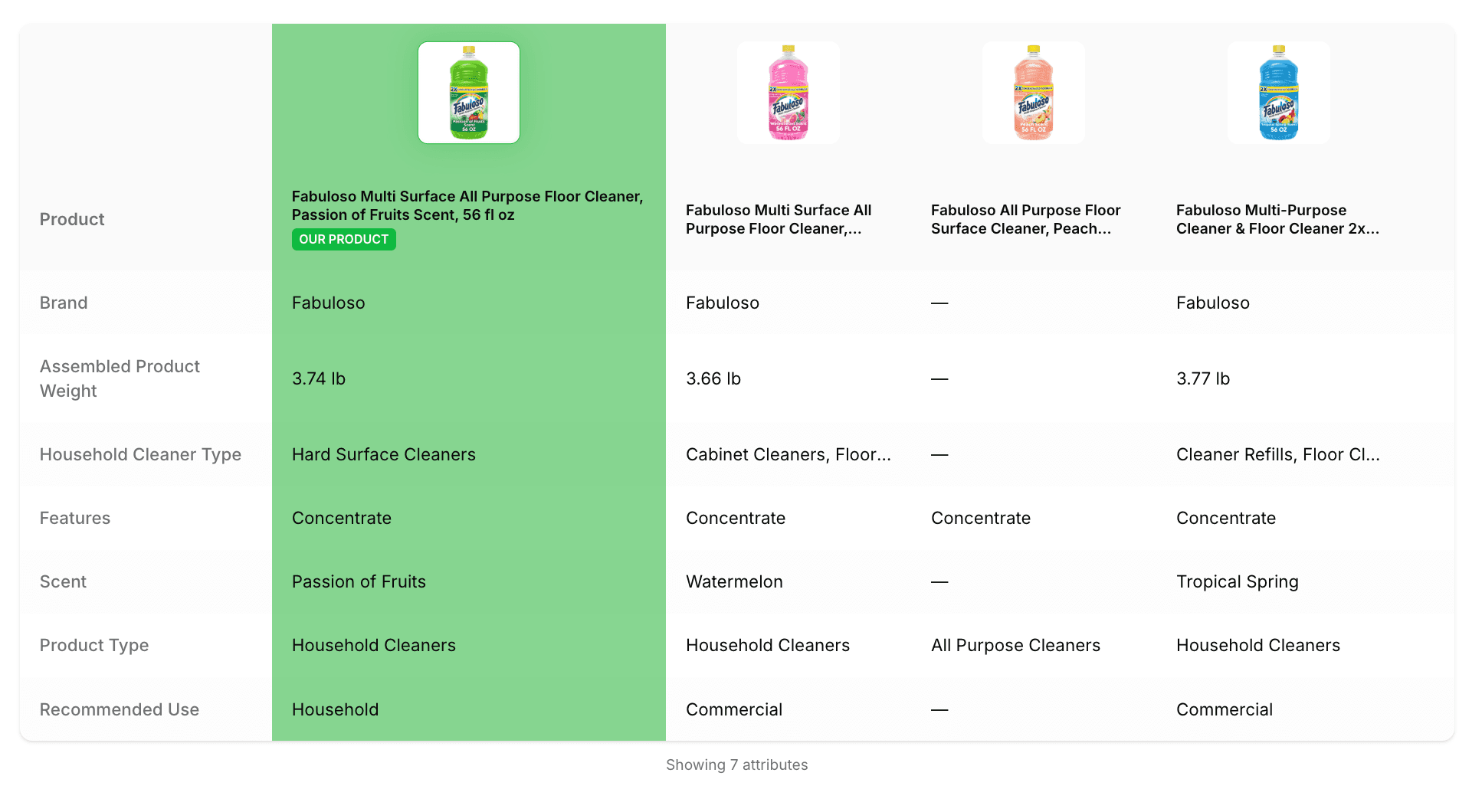
Comparison Table
Help customers make informed decisions by comparing products side-by-side. Add custom attributes, highlight differences, and create a responsive table that works beautifully on all devices.
- Custom AttributesDefine any comparison criteria that matters to customers
- Mobile ResponsiveAutomatically stacks for easy viewing on small screens
- Sticky HeadersProduct names stay visible as users scroll through features
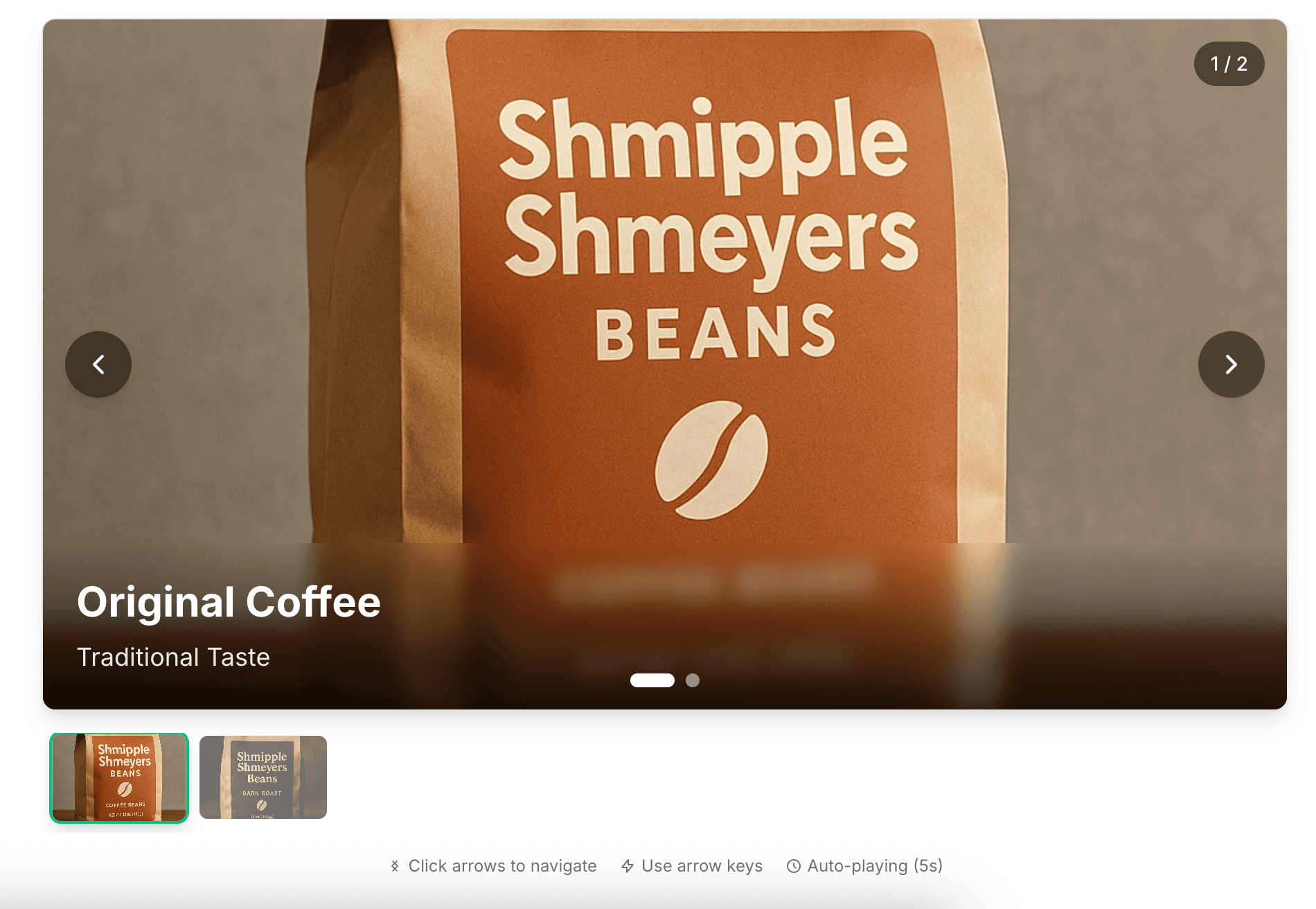
Image Carousel
Display multiple product images in an elegant slideshow. Configure auto-play timing, choose from multiple navigation styles, and add captions to tell your product story.
- Auto-Play OptionsSet custom intervals or disable for manual navigation
- Multiple Navigation StylesArrows, dots, thumbnails, or any combination
- Per-Slide CaptionsAdd headings and descriptions to each image
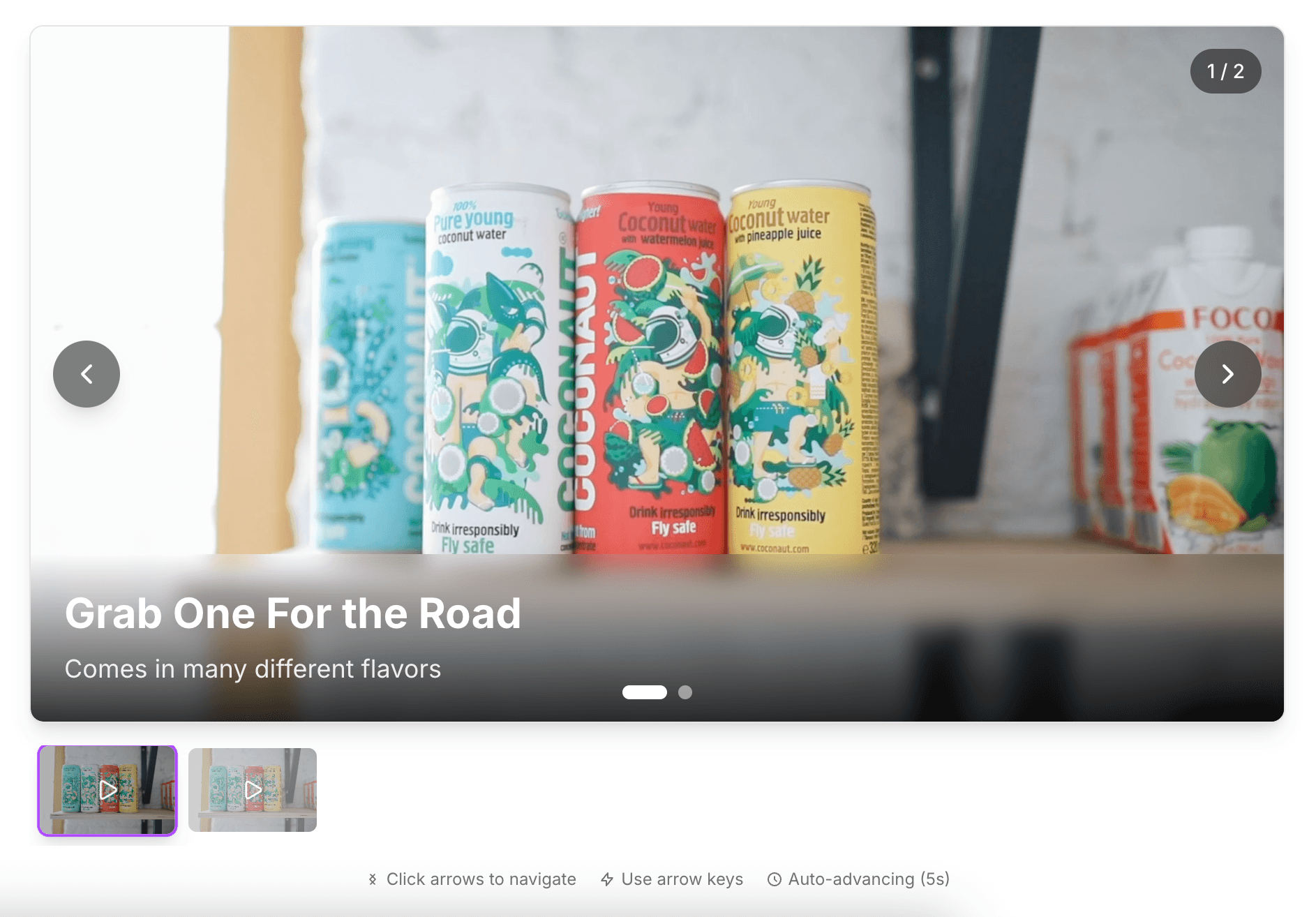
Video Carousel
Bring your products to life with video. Our video carousel supports multiple clips with full playback controls, closed captions for accessibility, and custom thumbnails for each video.
- Video Playback ControlsFull control over play, pause, mute, and volume
- Closed Caption SupportAdd WebVTT caption files for full accessibility
- Custom ThumbnailsSet preview images for each video in the carousel
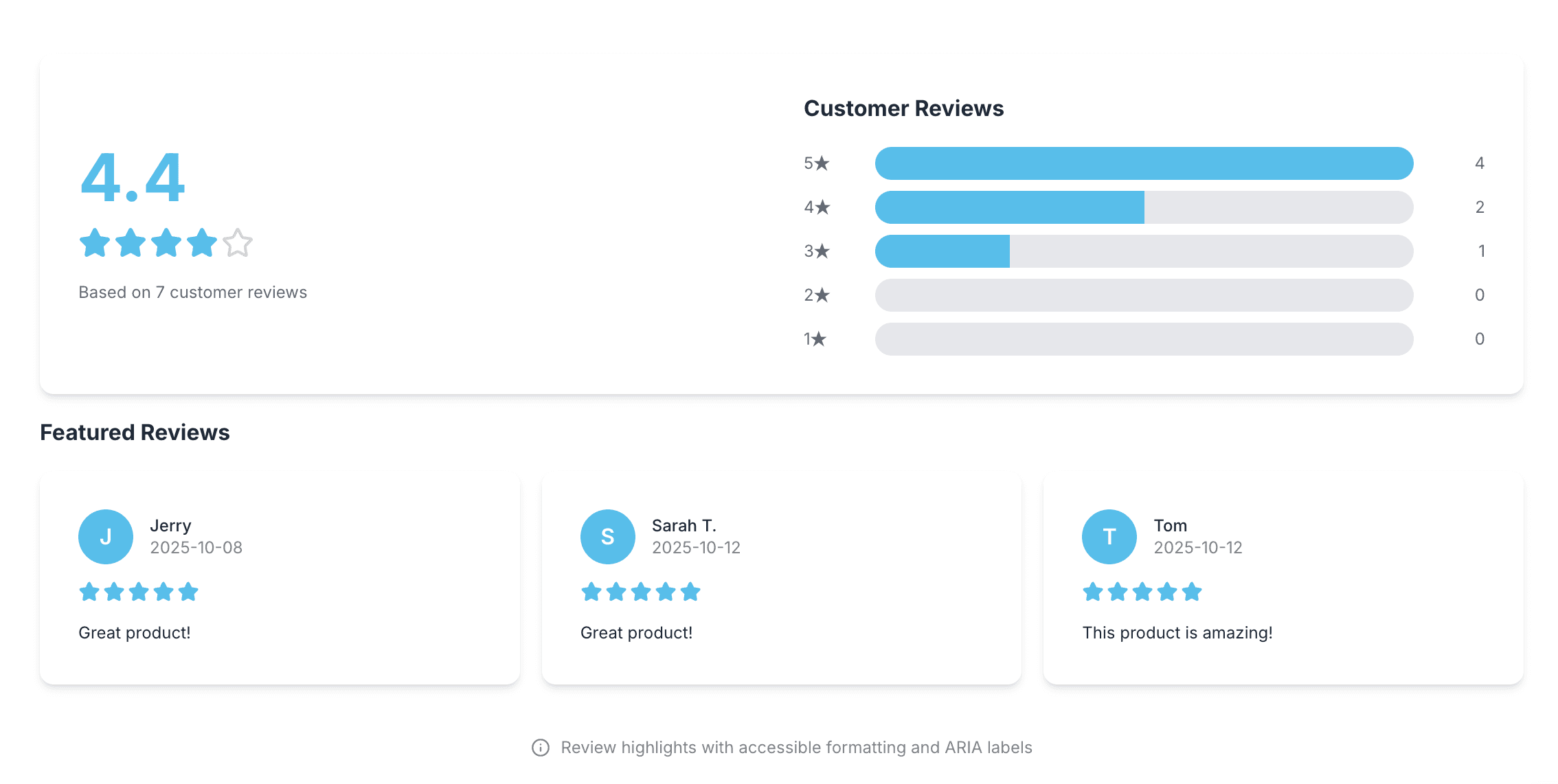
Review Highlights
Build trust with authentic customer testimonials. Showcase positive reviews with sentiment analysis, star ratings, and customizable display options that match your brand.
- Customer TestimonialsDisplay verified reviews with customer names and ratings
- Sentiment DisplayVisualize overall sentiment and key themes from reviews
- Style CustomizationChoose layout, colors, and typography to match your brand
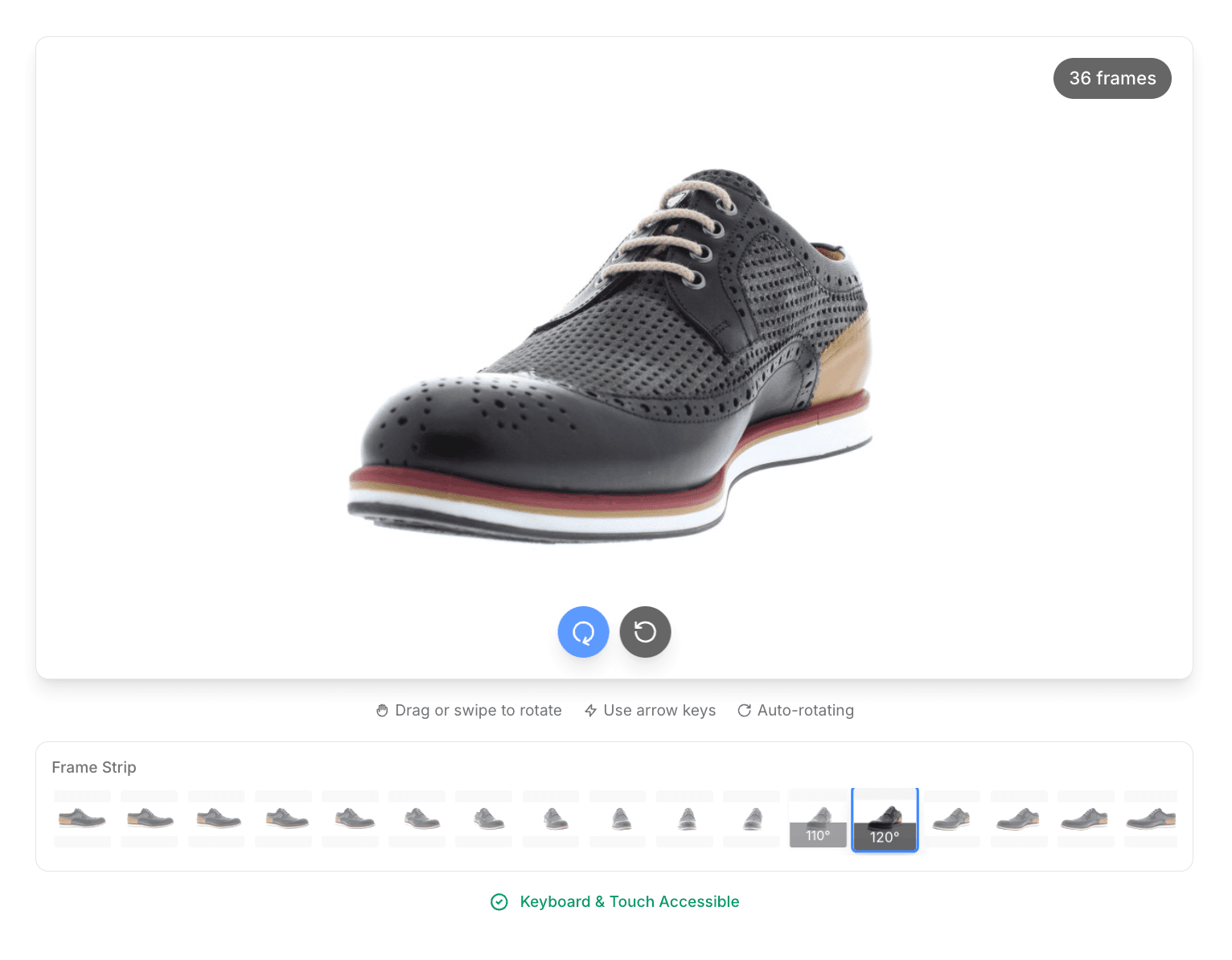
360° Product Viewer
Let customers explore your product from every angle. Upload a sequence of product images and create an interactive, rotating view with touch, drag, and zoom capabilities.
- Auto-Rotate ModeOptional continuous rotation to showcase the product
- Zoom ControlsInteractive zoom to examine product details up close
- Touch & DragFull interactivity across desktop, tablet, and mobile
Brand Story
Tell your brand story with a creative collage of images and narrative. Combine rich text, multiple images, and flexible layouts to create an emotional connection with customers.
- Rich Text EditorCraft compelling narratives about your mission and values
- Image CollagesArrange multiple images in creative layouts
- Theme CustomizationControl layout, colors, spacing, and corner radius
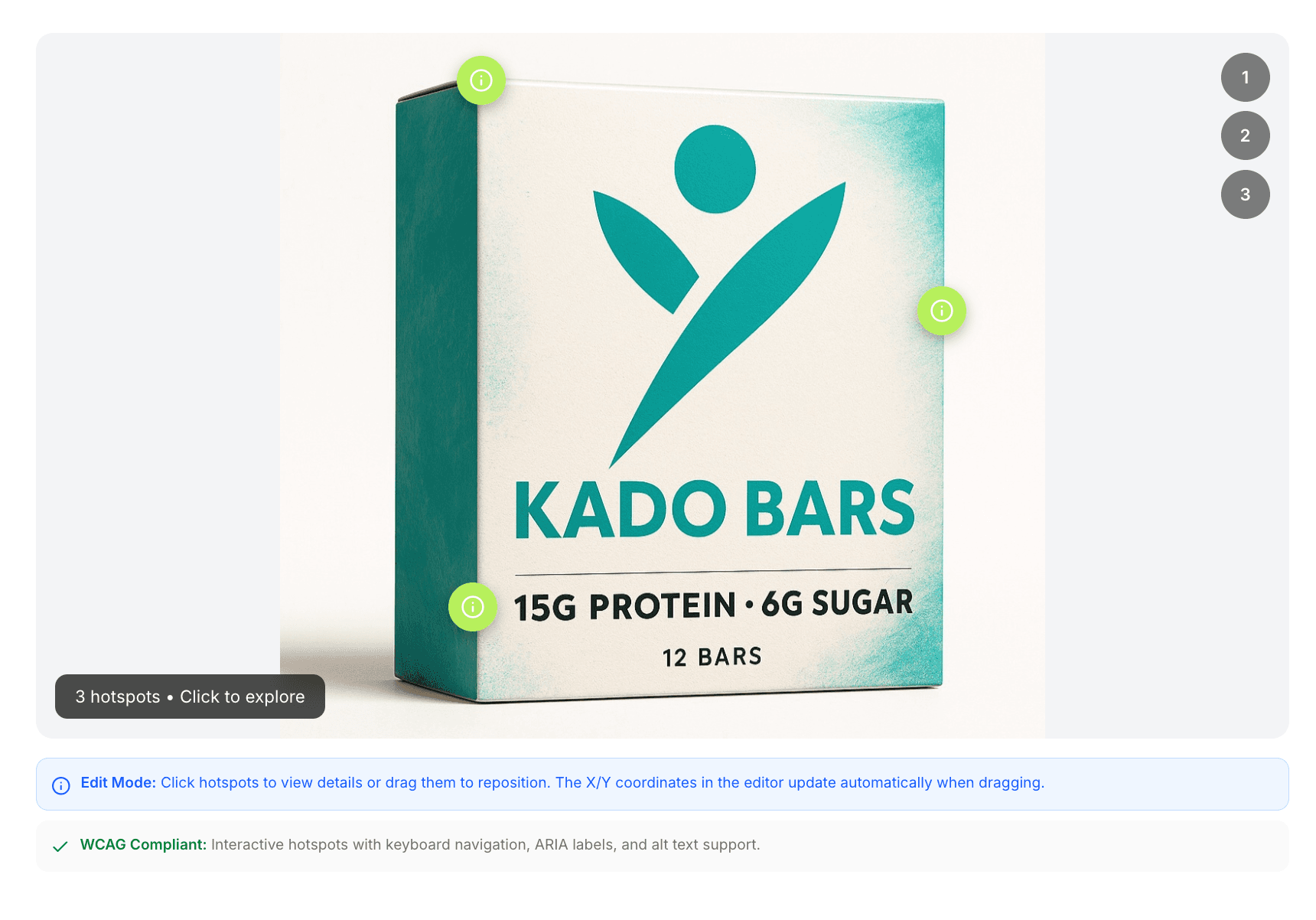
Product Tour
Guide customers through your product features with interactive hotspots. Add clickable points with descriptions, icons, and images. Enable pan and zoom for detailed exploration.
- Interactive HotspotsPosition clickable markers anywhere on your product image
- Pan & ZoomLet customers explore details with interactive controls
- Auto-Play TourOptional guided tour that cycles through hotspots automatically
How It Works
From concept to Walmart PDP in three simple steps
Choose Module Type
Select from 10 rich-media module types including feature sets, carousels, comparisons, and interactive viewers.
Build & Customize
Use our drag-and-drop editor with live preview. Auto-populate with product data or add your own.
Export & Submit
Generate compliant feeds and submit directly to Walmart's Item Setup API. Track submission status.
Get started in minutes, no technical expertise required
Start Building FreeReady to Transform Your Product Pages?
Join Walmart suppliers who are creating better customer experiences with compliant, accessible rich media.